
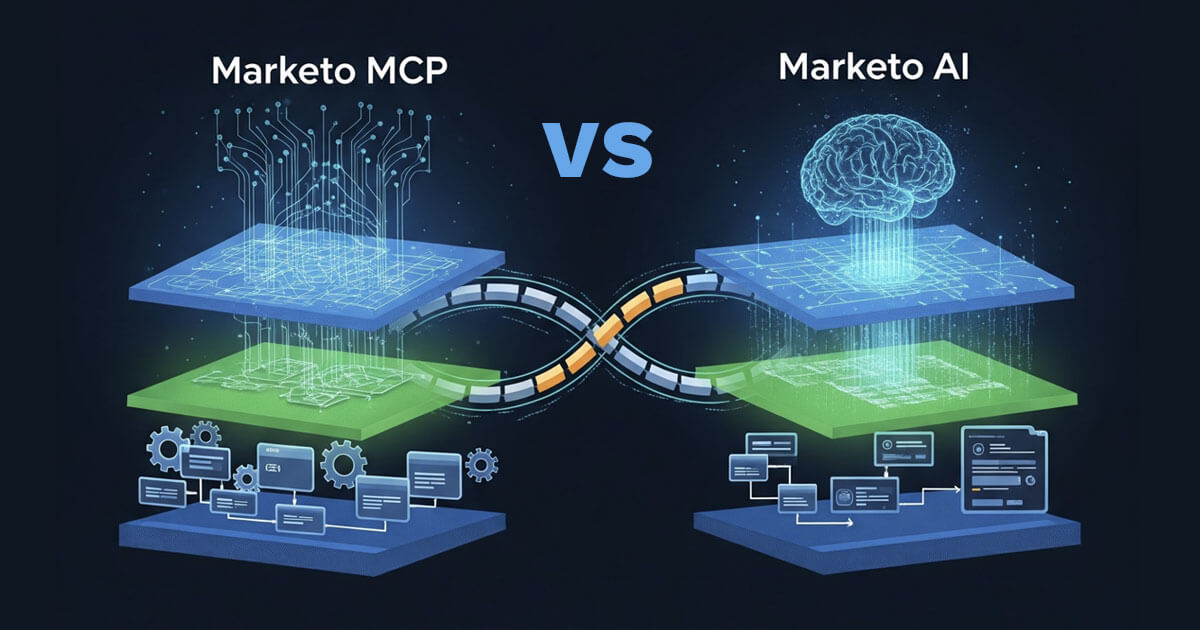
If you’ve been anywhere near Marketo release notes lately, you’ve probably seen “MCP” and “Marketo AI” mentioned in the same breath — sometimes even in the same sentence. It’s easy to assume they’re the same thing wearing two names. They’re not.
One is a protocol — a connector that lets any AI tool talk to your Marketo instance. The other is a product — a native, agentic assistant that lives inside Marketo itself. Understanding the difference isn’t just semantics. It changes who should own the rollout, what governance you need, and which one actually solves the problem in front of you.
This post breaks down both, in plain terms for MOps leaders deciding what to invest in, and in technical terms for the admins who’ll actually configure it.

The one-line version
- Marketo MCP is a bridge. It exposes 100+ Marketo REST operations to whatever AI tool you bring — Claude, Cursor, Copilot, your own custom agent. It doesn’t think. It executes.
- Marketo AI is the thinking layer, built by Adobe, living inside Marketo’s UI. It reasons, recommends, and — under the hood — often calls the same MCP tools to actually do the work.
Put differently: MCP is the USB-C port. Marketo AI is one specific device you can plug into it. Adobe uses almost that exact analogy in its own MCP documentation, and it’s a genuinely useful mental model here.
Side-by-side comparison
| Marketo MCP | Marketo AI | |
| What it is | An open-standard connector between your AI tool and Marketo’s REST API | A native, agentic assistant built into the Marketo Engage UI |
| Where the “AI” lives | Nowhere. All reasoning happens in your connected client (Claude, Cursor, etc.) | Adobe-managed infrastructure — a mix of Azure OpenAI GPT-4.1 and Claude on AWS Bedrock, per Adobe’s own data sheet |
| Who you bring | Your own AI tool of choice: Claude Desktop, Claude Code, Cursor, Codex, VS Code + Copilot, or any MCP-compatible client | Nothing — it’s already there, accessed from the “My Marketo” screen |
| Credentials model | You supply Client ID, Client Secret, and Munchkin ID (or an IMS token) with every request; nothing is stored server-side | Inherits permissions from your existing Marketo session/API user |
| Scope of operations | 100+ operations spanning forms, programs, smart campaigns, leads, emails, snippets, lists, folders, and bulk export | A curated set of “skills” — lead investigation, program QA, data normalization, program creation, analytics, product guidance |
| Learning/ memory | None — stateless per request, no training on your data | Conversational context within a session, guided by pre-built skills |
| Availability today | Limited availability beta; requires an access request and a Munchkin ID | Limited availability beta, accessed as a tile inside Marketo |
| Underlying relationship | Standalone — works with zero dependency on Marketo AI | Actually uses MCP tools under the hood to execute actions, per Adobe’s documentation |
| Governance model | Per-request, tenant-isolated, no server-side credential storage; you own the audit trail | Adobe-managed logging (Fluent Bit → Splunk) with masking, sitting inside your existing Marketo permissions model |
What each can — and can't — do
| ✅ Can do | 🚫 Can’t do |
| Give an AI tool access to Marketo data and actions through standard REST APIs | Run, host, or use any AI or ML model itself — all reasoning happens in your connected client |
| Execute API calls on your behalf using credentials supplied per request | Train on or learn from any data, including your customer data |
| Support multiple simultaneous users, each with their own credentials | Generate predictions, recommendations, or decisions — that’s the downstream AI tool’s job |
| Handle OAuth token refresh automatically | Store or retain credentials, request data, or session state between requests |
| Operate within tenant-isolated environments | Require you to install, deploy, or manage server-side software |
| ✅ Can do | 🚫 Can’t do |
| Create, clone, and manage programs, smart campaigns, tokens, and folder structures | Execute anything that requires admin-level Marketo permissions it doesn’t have |
| Create, update, and approve emails, including dynamic content and subject lines | Access external systems outside Marketo — CRM integrations require existing setup |
| Import leads from CSV with field mapping and data-quality rules; investigate scoring, activity, and lifecycle | Browse the web or pull real-time information outside its own tools |
| Build and compare smart lists and segments | Make phone calls, send actual emails to prospects, or interact with external services |
| Run email, program, and lead-database analytics, including ROI and revenue-stage analysis | Access data from other Marketo instances unless explicitly connected, or share data across customers/orgs |
| Run specialized skills — program QA, program planning, lead investigation, CSV import, product how-to guidance | Bypass Marketo’s security or permission models |
| Remember preferences across sessions and search prior conversation history | Make irreversible destructive changes without confirmation, or schedule beyond what Marketo’s API allows |
What each one is genuinely good at
MCP is the right layer when:
- You already have an AI workflow (an internal Claude/Cursor setup, a custom agent, an eval pipeline) and just need it to reach into Marketo
- You want programmatic, repeatable, scriptable actions — the kind you’d otherwise hand-code against the REST API
- You need multi-instance or multi-tool flexibility (dev sandbox vs. production, or connecting the same Marketo instance to more than one AI client)
- Your team wants full control over the prompt, the model, and the audit trail
Marketo AI is the right layer when:
- You want a marketer or MOps analyst — not a developer — asking questions in plain language, inside the tool they already use daily
- The task fits one of the built-in skills (lead investigation, program QA against naming conventions, CSV import validation, root-cause analysis on why a lead didn’t hit a milestone)
- You’d rather not stand up any external tooling, credentials, or bridge scripts at all
Real-life use cases
For the strategic / MOps leadership audience
- Explaining a milestone miss without a two-hour deep dive. A demand gen director wants to know why a specific named account’s contacts never reached MQL after a big campaign push. Instead of pulling in an analyst to trace smart list membership and flow-step history by hand, Marketo AI’s lead investigation skill does that walk-through conversationally and returns a plain-language explanation — in minutes, not a ticket.
- Standing up governance before scaling AI usage org-wide. Before greenlighting either tool for a 40-person MOps team, a VP of Marketing Operations needs to answer “where does our data go?” Marketo AI’s answer is simpler to explain to security: it stays inside Adobe-managed infrastructure with existing Marketo permissions. MCP’s answer requires more work — you’re responsible for which AI client you connect, what that client does with the responses, and enforcing least-privilege on the API user you create. That’s a real conversation to have with InfoSec before either rolls out broadly.
They're not actually against each other
The most useful thing to understand is that Marketo AI isn’t a rival architecture to MCP — it’s built on top of it. Adobe’s own documentation confirms Marketo AI uses Marketo MCP tools to execute the actions its reasoning layer decides on. So the real decision isn’t “MCP or Marketo AI.” It’s:
- Do you want Adobe’s packaged reasoning layer, with its curated skills, sitting inside the Marketo UI? → Marketo AI.
- Do you want to bring your own AI tool and build exactly the workflow you need, with full control over the model and the audit trail? → MCP.
- Do you want both, for different teams and different jobs? → Also completely reasonable — plenty of orgs will end up here.
Both are still in limited availability betas, both require an access request, and both come with the same caution flag from Adobe: test in a sandbox first, and don’t hand either one destructive, production-touching permissions until you trust the guardrails.