
Four Marketo API deadlines passed between July 31 and September 30. If nobody on your team has checked, you may already be running broken integrations.
Adobe announced all four well in advance, through the Marketo Engage release notes and, for the static list change, an in-app notification to admins of affected instances. The trouble is that those announcements reach whoever reads Marketo release notes, while the failures happen in code that often belongs to someone else, such as a data engineer, the agency that built the integration, or a vendor. A scheduled job simply starts returning errors at two in the morning, and whether anyone notices depends entirely on whether somebody built alerting into it three years ago.
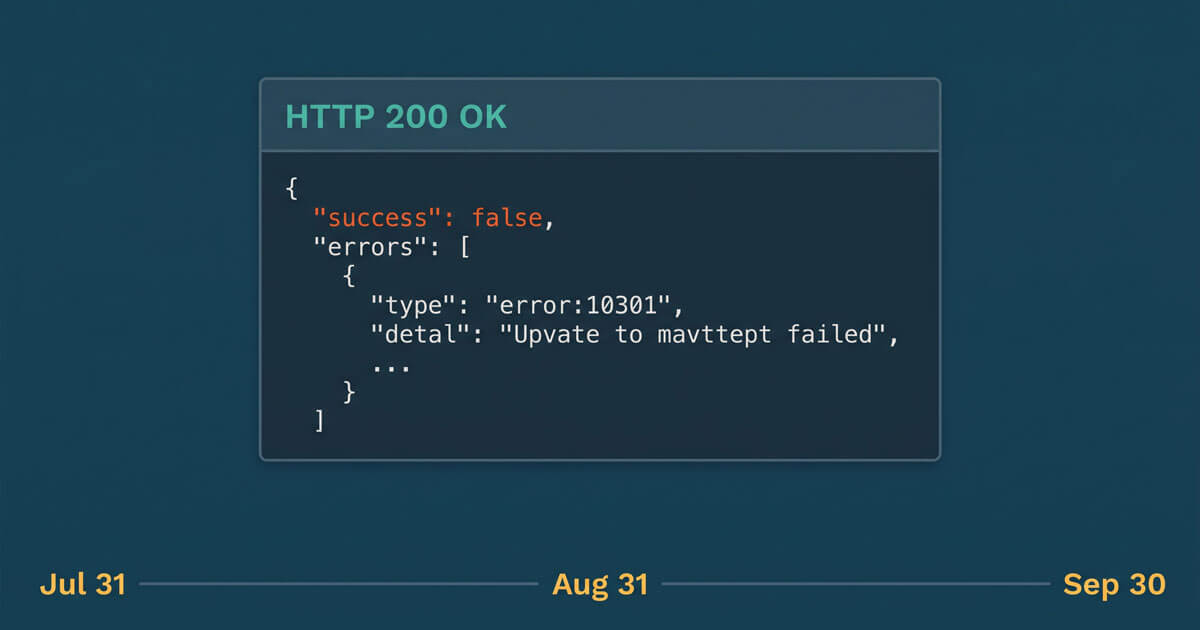
It doesn’t help that Marketo usually returns an HTTP 200 even when a call fails. The error sits inside the response body, so a job that only checks the status code can keep reporting a clean run while getting nothing useful back.
Below is what changed, how to tell whether any of it affects you, and the order we’d fix things in.

What Changed and When
| Effective date | What changed | What it affects |
|---|---|---|
| July 31, 2026 | The SOAP API is retired and no longer available | Any integration, connector, or script still calling the SOAP API |
| July 31, 2026 | Merge Leads calls with more than 25 IDs in leadIds are skipped with error 1080 | Deduplication and cleanup jobs that merge large duplicate sets into one record |
| August 31, 2026 | access_token is no longer accepted as a query parameter; affected calls return error 603 | Any integration, script, or connector that passes the token in the URL or as a form field |
| September 30, 2026 | Get Lead Activities and Get Lead Changes return error 1003 when listId points at a static list of 10,000 or more leads | Data warehouse syncs, BI extracts, and activity-based reporting |
Static List Limits on Get Lead Activities and Get Lead Changes
This is the most recent of the four. Adobe expects it to affect a small number of instances, and admins of affected subscriptions were due to receive an in-app notification before it took effect. That notification goes to whoever administers Marketo, who isn’t always the person who owns the data pipeline, so it’s worth checking even if nobody remembers seeing it.
For years, the simplest way to scope an activity pull was to point it at a static list. It was one parameter, it was easy to explain to whoever inherited the job, and it worked. The problem is that static lists grow. A list that held 4,000 records when the integration was built holds 40,000 today, and nobody went back to reconsider the design.
As of September 30, a Get Lead Activities or Get Lead Changes call that references a static list at or above the 10,000-record threshold doesn’t degrade or truncate. It fails, returning error code 1003. The limit exists because queries like this often time out or end up searching for results that don’t exist, and capping the list size keeps them responsive.
What this looks like from the outside: a nightly extract that returns nothing instead of returning less, a dashboard that flatlines from the end of September, or a data warehouse table that quietly stopped growing. Because the error comes back inside an HTTP 200 response, a pipeline that doesn’t read the response body can log all of it as a successful run.
The fix: there are two sensible routes. If the audience is small enough, split the source list into lists of fewer than 10,000 members and poll each one. If it isn’t, move the extract to Bulk Activity Extract (or Data Streams, if your package includes them), filter to the activity types you actually need, and join the results to list membership afterwards using Get Leads by List ID or Bulk Lead Extract. Bulk Activity Extract works in date windows of 31 days or less and draws on a daily export allocation (500 MB by default), so size the job before you switch it on.
This is more work than changing a parameter, which is exactly why teams built it the other way in the first place.
No More access_token in the Query String
Passing your access token as a query parameter was always the weaker option. Tokens end up in server logs, proxy logs, load balancer logs, and browser history, which are exactly the places you’d rather they weren’t. Adobe retired the query parameter method on August 31, and calls that still authenticate this way are now rejected with a 603 Access Denied error. The date moved several times over the past year, so if you last looked when it was still months away, it’s worth looking again.
The code change is small. Move the token into the Authorization header as a bearer token, including on bulk calls that used to send it as a form field. The request that fetches the token from the identity endpoint doesn’t need to change.
The hard part is finding every place it was done. In a typical instance that means:
- Webhook receivers and cloud functions that call back into Marketo after a webhook fires
- Custom HTTP steps in middleware or iPaaS tools such as Workato or Zapier
- A Postman collection your ops team still uses for manual pulls
- Internal scripts that live on somebody’s laptop rather than in a repository
- A vendor integration where the vendor, not you, controls the code
- Open-source client libraries and packaged connectors, where an older version may still put the token in the URL
Vendor integrations are the ones worth chasing today. If a third-party tool authenticates to your Marketo instance and you haven’t heard from that vendor about this change, ask them directly rather than assuming it’s handled. If you find something you can’t fix quickly, Adobe’s guidance is to contact Adobe Support about options for more time.
The 25-ID Limit on Merge Leads
Since July 31, a Merge Leads call with more than 25 IDs in the leadIds parameter is skipped with error 1080, which means nothing in that call gets merged. A job that merges a few duplicates at a time won’t notice. The ones that will are cleanup jobs where a single winning record has dozens of duplicates to absorb, and those need to split the work into several calls against the same winning record.
It’s a straightforward fix, but it’s worth checking how your job handles the error. If it logs the 1080 and carries on, you end up with a cleanup that reports as finished while some duplicate sets were never touched, and nobody is quite sure which ones.
The SOAP API Retirement
The SOAP API reached end of support on July 31 and is no longer available. If anything in your stack was still calling it, whether that’s an older connector, a legacy middleware job, or a script nobody has opened in a while, it stopped working that day. Unlike the token change, there’s no quick fix here. The integration has to move to the equivalent REST endpoints, and Adobe’s SOAP migration guide is a good map of which REST calls replace which SOAP ones.
How to Tell If You’re Affected
None of these checks take long, and they’re worth doing before the end of the week.
- Check your API error responses, not your success rate. Look in your integration logs for 603 (token in the URL), 1003 (list-scoped activity calls), and 1080 (oversized merges). Marketo’s Usage API also returns error counts by error code for the last seven days. That’s a short window, but anything still failing will be showing up there. A 603 can also point to a permissions gap or an IP allowlist, so confirm how the token is being passed before you start changing API roles.
- Inventory your custom services and API users. Every custom service in LaunchPoint belongs to an API-only user, and Admin > Integration > Web Services shows how many calls each API user made over the past seven days. If you find services or users nobody can account for, you’ve found a second problem worth solving.
- Ask your data team a direct question: has any Marketo-sourced table stopped updating since the end of July? They’ll usually know within minutes.
- Search your codebase and automation tools for access_token. Look beyond the literal access_token= string, since many HTTP libraries build the query string from a parameters object. Include your documentation and your runbooks, because that’s where the pattern gets copied from.
- Check the size of every static list used as an API filter. Anything at 10,000 records or more is failing now, and anything close to it will start failing once it crosses.
- Confirm nothing still depends on SOAP. Ask the owners of older connectors and middleware directly, because Marketo’s REST usage stats won’t show SOAP traffic.
The Fix, In Order
First, restore connectivity. Nothing else matters if your integrations can’t connect. Move every token into the Authorization header, and start the REST migration for anything that was still on SOAP.
Second, repoint your activity extracts. Split oversized lists or move the extract to Bulk Activity Extract. Backfill whatever you lost while the job was failing, and check that the backfill didn’t duplicate records you already have.
Third, chunk your merge operations. Keep each call to 25 IDs or fewer, and make sure a 1080 error gets flagged for follow-up rather than quietly skipped.
Fourth, add alerting that reads the response. Check the success flag and the errors array on every call rather than the HTTP status, and treat an unexpectedly empty result as a failure. A job that completes in four seconds and returns zero rows should page somebody.
Fifth, write down what exists. Record which integrations touch Marketo, what each one does, which API user it uses, and who owns it. This is the step that usually gets skipped, and it’s the reason the next deadline will feel exactly like this one.
Why This Keeps Happening
The deadlines themselves are manageable. What makes them painful is that many Marketo instances have accumulated integrations nobody owns, built by people who have since moved on and documented nowhere, all drawing on the same daily API quota (50,000 calls by default) that nobody is watching.
That was survivable when the platform changed slowly, and it’s much less so now. Adobe is shipping new capabilities to Marketo Engage at a steady pace, including Marketo AI agent skills and the Marketo Engage MCP server. The MCP server is a good example of why this matters, because it runs every request through the REST API using a LaunchPoint custom service and inherits your instance’s API limits. Every AI assistant you connect that way draws on the same quota your existing integrations already depend on, and an instance that can’t account for its current API usage isn’t in a good position to add to it.
If you’re planning to connect AI tooling to Marketo in the next two quarters, the integration inventory you build this week is the same inventory that work will require, so it’s worth doing properly once.
The Bottom Line
Four Marketo API deadlines came and went between the end of July and the end of September, and the failures they cause don’t always make themselves obvious.
Check your error logs, move your tokens into the header, move anything still on SOAP over to REST, split oversized merges, repoint any activity extract that filters by static list, and write down what you find. The checking is the quick part, and it beats discovering the gap during a quarterly reporting cycle when somebody asks why the numbers are wrong.
Adobe’s Marketo Engage release notes and the Marketo Developer Guide are the authoritative sources for dates and limits, so it’s worth checking the specifics there before you change any code.


